
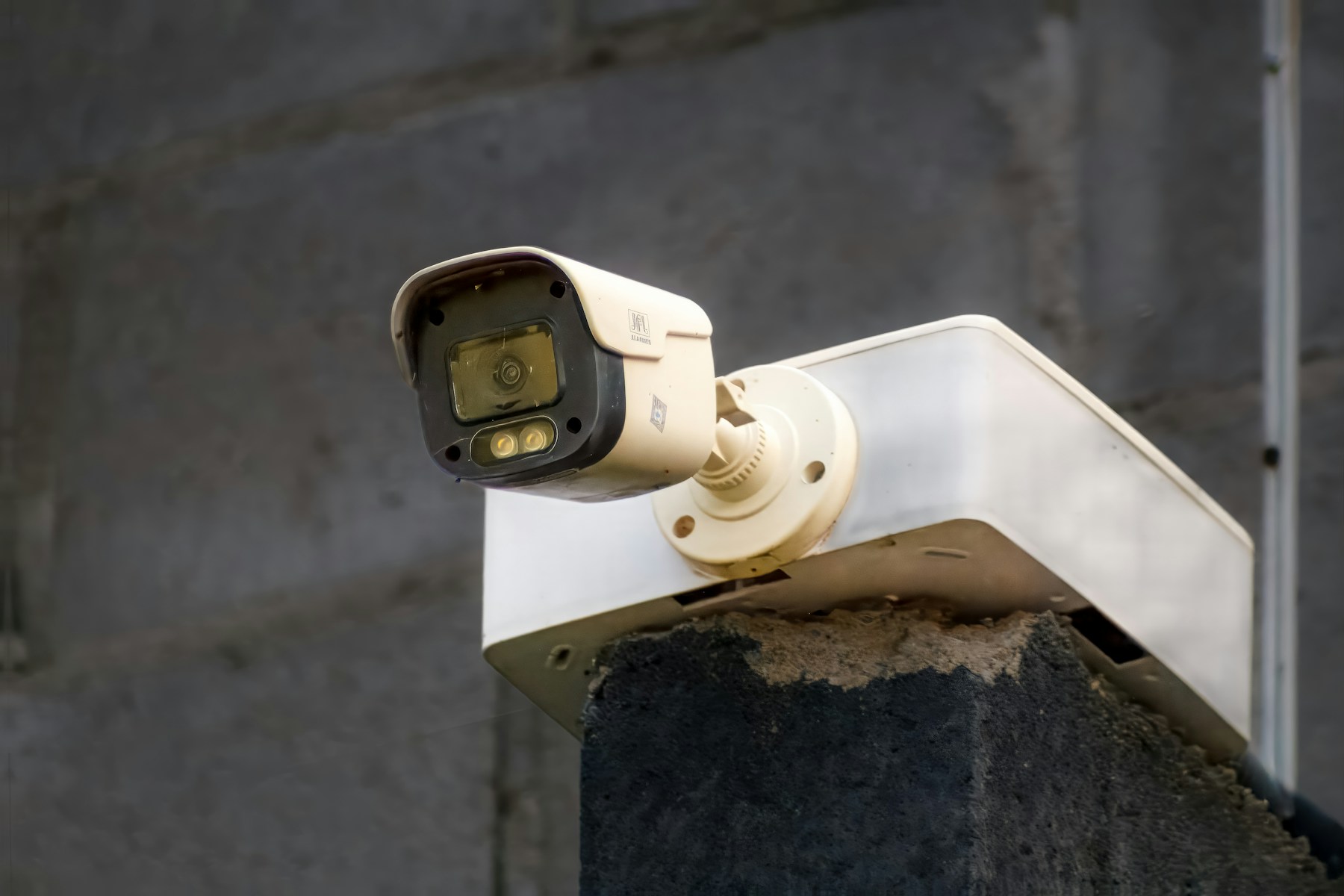
Assess the installation position
Begin with the actual mounting spot. Is it sheltered or directly exposed to rain? Does it face salt spray, strong sunlight or an area that is difficult to maintain? For a Mauritius home, our recommendation is to describe these conditions to the supplier and request the exact model’s datasheet and installation instructions.
Check operating temperature, humidity limits, mounting hardware and connector protection. A camera housing is only one part of the installed system.
Separate ingress protection from corrosion
An IP rating describes protection against solids and water entering an enclosure. Its first digit concerns solids such as dust; the second concerns water. It does not, by itself, establish resistance to coastal corrosion.
Look for separate manufacturer evidence concerning salt exposure and corrosion testing. Axis, for example, distinguishes ingress tests from corrosion tests such as salt-spray testing associated with NEMA 4X and ISO 21207. This distinction is useful when comparing specifications; it is not a blanket recommendation for any particular camera.
Decide where recordings will live
Check whether your exact model supports a microSD card, a network video recorder or another local destination. Confirm whether recording is continuous or event-triggered, and what storage accessories are required. These capabilities can differ between models, including within one brand.
Ask separately about subscription requirements for recording, playback and extra features. Local recording may avoid a cloud subscription, but cloud-service availability can depend on model and region.
Test different kinds of outage
An internet outage, a failed Wi-Fi link and a power cut are different situations. For the non-battery Wi-Fi cameras covered by Reolink’s guidance, SD recording can continue without internet, while remote access and push notifications are unavailable. Do not generalise that behaviour to every camera.
Our recommendation is to test your own installation and plan backup power for every necessary component.
Frame the view thoughtfully
Aim at your entrance or boundary and minimise unnecessary views into neighbouring spaces. Where supported, privacy masks can hide selected areas in live and recorded video. Check recorded footage to confirm the result.
Decide who needs access and how long footage should remain. These are practical setup considerations, not legal advice.
Sources and further reading
Product capabilities can change. Check the exact model and current documentation before buying.